

Get the St. Verena App
Service times, announcements and readings, right on your phone.
- Always know the schedule. Service times, the calendar and the weekly announcements in one place.
- Pray and listen. Sermons, videos and the daily Katameros readings.
- Stay close to the church. Book confession, send a request, give, and get notifications you choose.
Free for iPhone, iPad and Android. It also works offline for the latest announcement and events.
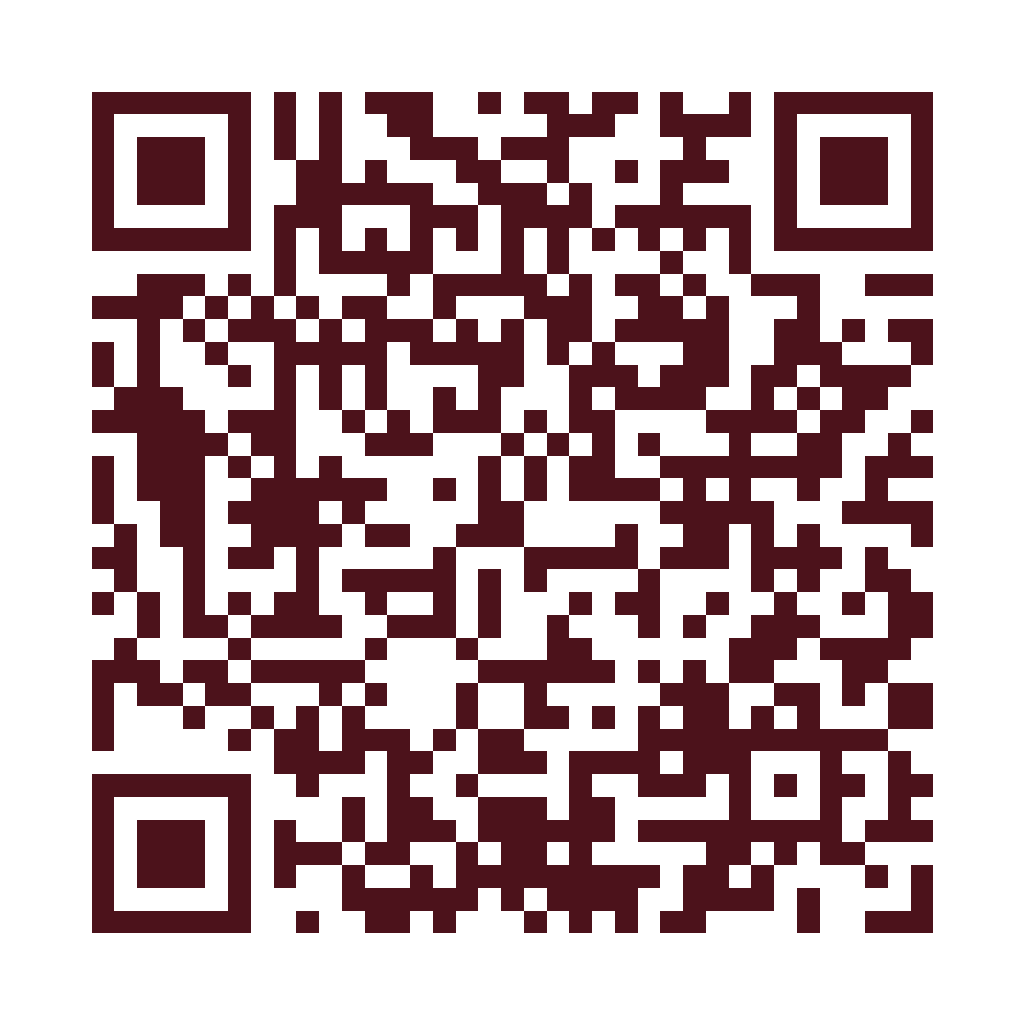
On a computer? Point your phone camera at this code to open this page on your phone.
How to turn on notifications
Notifications tell you about schedule changes and new announcements. You can also choose optional topics (Youth, Sunday School, Choir) inside the app.
iPhone and iPad
- Open the Settings app.
- Scroll down and tap St. Verena Nashville.
- Tap Notifications.
- Turn on Allow Notifications.
Android
- Open the Settings app and tap Apps.
- Tap St. Verena Nashville, then Notifications.
- Turn on All St. Verena Nashville notifications (or Allow notifications).
Prefer to ask someone? Call the church at (262) 442-8297 or email [email protected].